Which Columns Belong in a RoomLedger Home Inventory Template?
A useful home inventory should answer four questions quickly: what is the item, where is it, what evidence supports it, and when was the information updated? RoomLedger can hold photos, brand, model, serial number, purchase date, value, receipt, location and exports. Use a consistent template before photographing the whole home.
The basic columns
Start with a clear item name, room or location, brand, model and asset type. Add a wide context photo so someone can see where the item is, and a close-up of the label for the serial number. Record purchase date, seller, purchase price or reference value. Keep an invoiced price separate from an estimate; if a value is unknown, mark it for verification instead of making an estimate look definite.
Evidence and lifecycle
Link a receipt, warranty, manual or contract when needed. Add an update date and a status such as in use, under repair, sold or moved. When an item changes location, update the current record if that fits your process rather than creating a duplicate. For serialised assets, compare every letter and digit with the original label because one error can make a future search fail.
Choose the right detail level
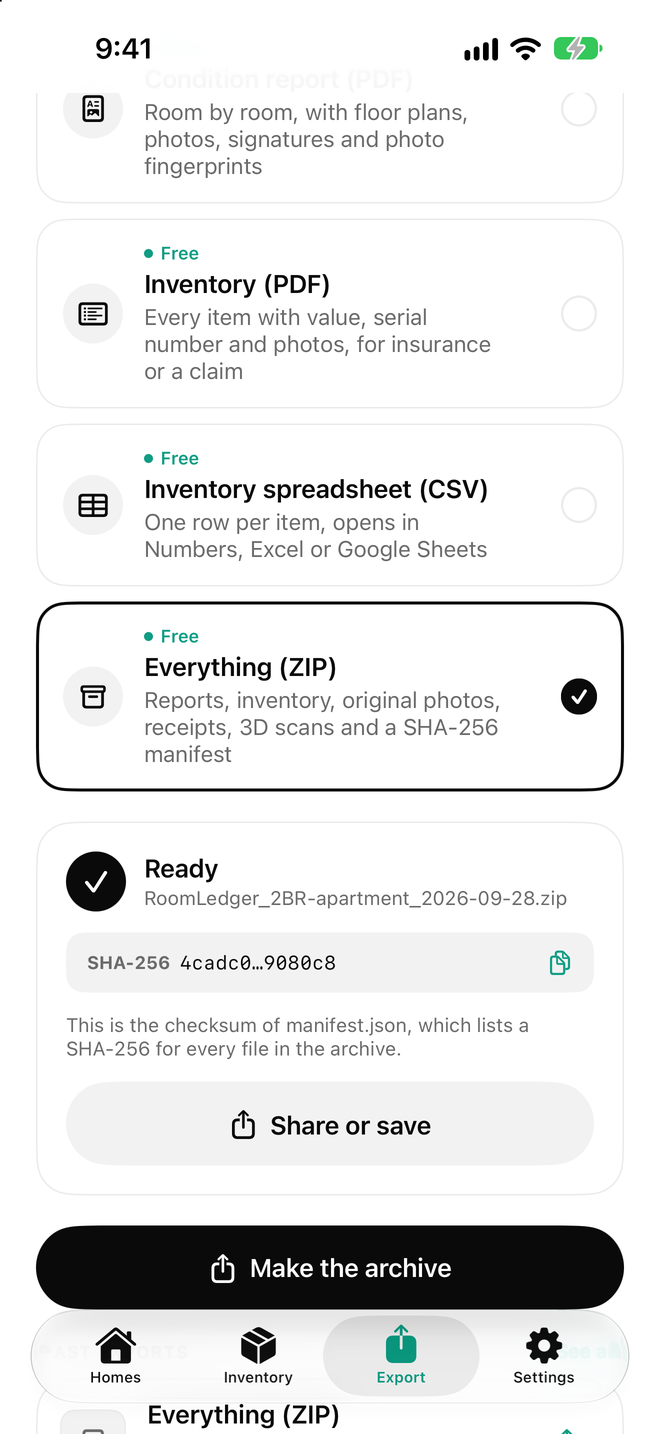
High-value or insurance-relevant items deserve photos, serial numbers, receipts and a precise note. Small items can be grouped or described briefly when the goal is only to count them. Review room by room instead of trying to finish the entire home in one session. Then export PDF for reading, CSV for filtering and ZIP for related files. See RoomLedger, and keep the RoomLedger move-in checklist available when the inventory is created during a handover.
Example of a strong row
“Samsung television, living room, model read from label, serial in close-up photo, purchased in May, price from receipt, in use, updated today” is better than “living room TV.” If the receipt is missing, mark the price as unverified. Each room should have one context photo and the detail images that support the row.
When an inventory supports insurance or a move, export it with a date so the reader knows which moment it represents. Do not share serial numbers, addresses or receipts widely when recipients do not need them.
Note: An insurer may require its own evidence, valuation or format. Ask before submitting a RoomLedger export.
A practical workflow for this topic
When you search for “Which Columns Belong in a RoomLedger Home Inventory Template?”, the useful answer is usually a repeatable way to check the detail that matters. Use this RoomLedger guide as a starting point, then confirm the current source before acting. The product can organize information and shorten a review; it cannot fill in missing facts or replace a professional decision.
Quick checklist before you act
- Define the room, asset or handover moment you are recording.
- Capture wide context, close details, dates and measurements together.
- Review notes and photos before creating the report or sharing it.
- Keep the original export when a later comparison or dispute may matter.
Keep the decision traceable: record the version, date and source you relied on when the detail may change.
Detailed step-by-step workflow
This extended section turns “Which Columns Belong in a RoomLedger Home Inventory Template?” into a repeatable RoomLedger workflow. The goal is not to create a longer checklist for its own sake. It is to make the important inputs visible, show what should be checked first, and leave a useful record of what was known at the time. That approach is especially helpful for room inspections, condition evidence, measurements, inventory and reports. Read the steps in order the first time, then return to the relevant step when the situation changes.
Step 1: Define the question and the record you need.
Start with this action in RoomLedger, then pause long enough to verify the result against the original source or observation. For “Which Columns Belong in a RoomLedger Home Inventory Template?”, record the date, the relevant context and anything that was not available. A structured record is more useful when another person can understand what was checked without guessing what happened between two screenshots, notes or exports.
Step 2: Gather the original inputs before interpreting the result.
Start with this action in RoomLedger, then pause long enough to verify the result against the original source or observation. For “Which Columns Belong in a RoomLedger Home Inventory Template?”, record the date, the relevant context and anything that was not available. A structured record is more useful when another person can understand what was checked without guessing what happened between two screenshots, notes or exports.
Step 3: Review the result and record uncertainty or missing data.
Start with this action in RoomLedger, then pause long enough to verify the result against the original source or observation. For “Which Columns Belong in a RoomLedger Home Inventory Template?”, record the date, the relevant context and anything that was not available. A structured record is more useful when another person can understand what was checked without guessing what happened between two screenshots, notes or exports.
Step 4: Save the version, date and next action for later comparison.
Start with this action in RoomLedger, then pause long enough to verify the result against the original source or observation. For “Which Columns Belong in a RoomLedger Home Inventory Template?”, record the date, the relevant context and anything that was not available. A structured record is more useful when another person can understand what was checked without guessing what happened between two screenshots, notes or exports.
Quality checks and common mistakes
Long-form guidance is most useful when it explains the boundaries as well as the happy path. Before relying on a RoomLedger record, run the checks below. They help separate a missing input from a negative result, an approximate value from a verified value, and a convenient summary from the original evidence.
Check 1
Do not start with the conclusion. Write down the question, the person or property involved and the time period first. In RoomLedger, keep the source, context and limitation close to the record so the next review can reproduce the decision.
Check 2
Do not mix old and new records without a date. Keep the original observation visible when you add a correction or update. In RoomLedger, keep the source, context and limitation close to the record so the next review can reproduce the decision.
Check 3
Do not treat a missing field as proof that the event, ingredient, expense or condition does not exist. In RoomLedger, keep the source, context and limitation close to the record so the next review can reproduce the decision.
Check 4
Do not share a polished summary before checking the original image, note, label, receipt or export behind it. In RoomLedger, keep the source, context and limitation close to the record so the next review can reproduce the decision.
Check 5
Do not use an app record as a substitute for a professional, medical, legal, financial or safety decision when the situation requires one. In RoomLedger, keep the source, context and limitation close to the record so the next review can reproduce the decision.
Frequently asked questions
What should I verify before I rely on this guide?
For “Which Columns Belong in a RoomLedger Home Inventory Template?”, use RoomLedger to organize the observation and then verify the part that affects the decision. If a source, image, measurement or input is incomplete, mark it as incomplete instead of silently filling the gap. Add a date and a short note about the method used. When the consequence is important or the question sits outside the product’s purpose, confirm it with the current official source or an appropriate professional.
What should I do when the information is incomplete?
For “Which Columns Belong in a RoomLedger Home Inventory Template?”, use RoomLedger to organize the observation and then verify the part that affects the decision. If a source, image, measurement or input is incomplete, mark it as incomplete instead of silently filling the gap. Add a date and a short note about the method used. When the consequence is important or the question sits outside the product’s purpose, confirm it with the current official source or an appropriate professional.
How can I make the record easier to compare later?
For “Which Columns Belong in a RoomLedger Home Inventory Template?”, use RoomLedger to organize the observation and then verify the part that affects the decision. If a source, image, measurement or input is incomplete, mark it as incomplete instead of silently filling the gap. Add a date and a short note about the method used. When the consequence is important or the question sits outside the product’s purpose, confirm it with the current official source or an appropriate professional.
When should I ask for another source or a specialist?
For “Which Columns Belong in a RoomLedger Home Inventory Template?”, use RoomLedger to organize the observation and then verify the part that affects the decision. If a source, image, measurement or input is incomplete, mark it as incomplete instead of silently filling the gap. Add a date and a short note about the method used. When the consequence is important or the question sits outside the product’s purpose, confirm it with the current official source or an appropriate professional.
A practical review before you finish
Before closing this topic, read the title “Which Columns Belong in a RoomLedger Home Inventory Template?” as a question rather than a promise. Confirm the current version of the information, check the original evidence, and record the next action in RoomLedger. A useful record says what was observed, when it was observed, what remains uncertain and who should review it next. This makes the article easier to apply today and easier to revisit when the facts change.
See the product in action
Related guides
Should You Measure a Room with an iPhone or Laser Measure in RoomLedger?
Compare iPhone, AR, LiDAR and laser measurements in RoomLedger for moving, inventory or renovation.
How to Record Keys at Move-In and Move-Out
Record keys, remotes and access cards during a handover, and keep related photos and reports organized in RoomLedger.
Kitchen Appliance Inspection Checklist for a Move-In Report
Record kitchen appliances, models, condition, photos and follow-ups in RoomLedger during move-in or move-out.
Feature walkthroughs
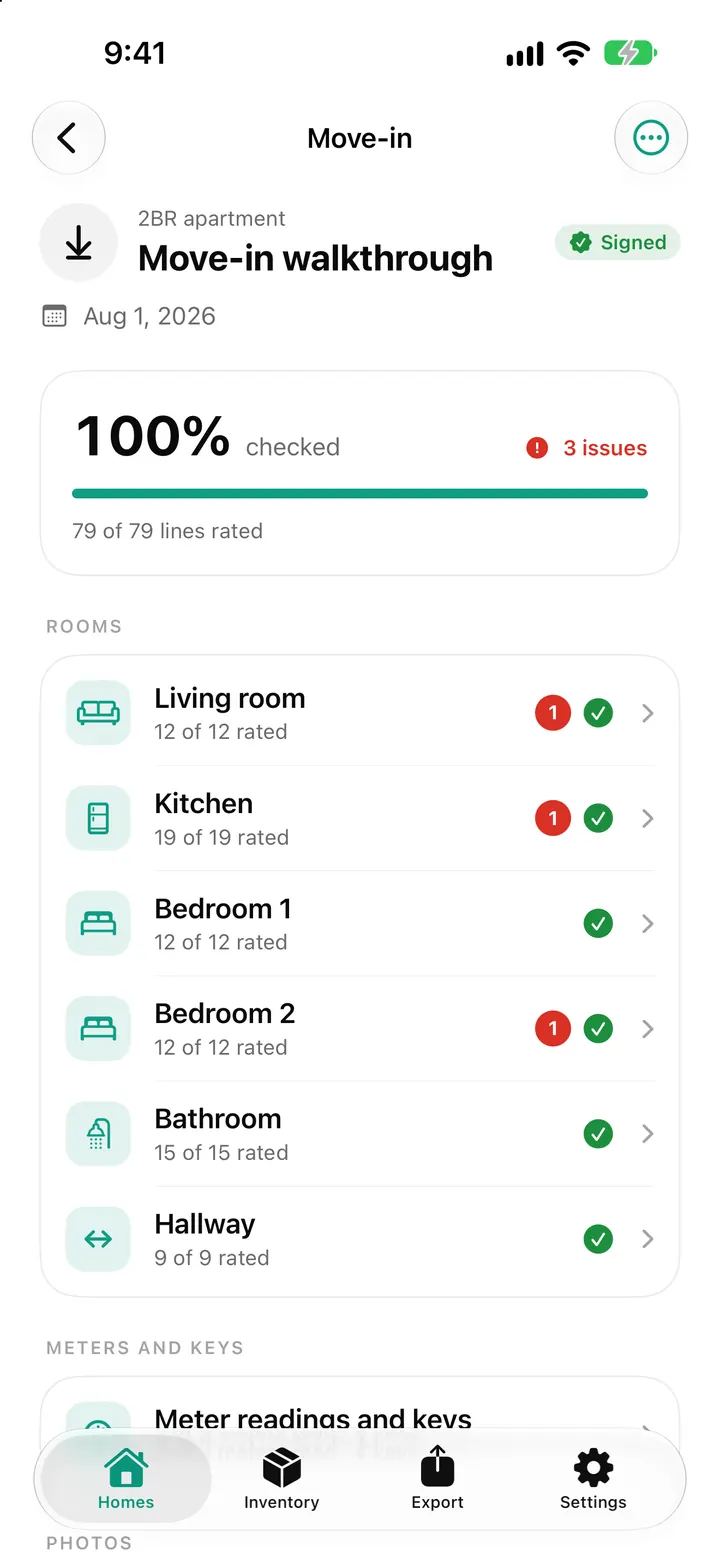
Do a move-in inspection with your iPhone: how RoomLedger records it
Walk each room with RoomLedger: rate every line, take photos, read the meters and sign a dated move-in condition report on your iPhone, with no account needed.
Read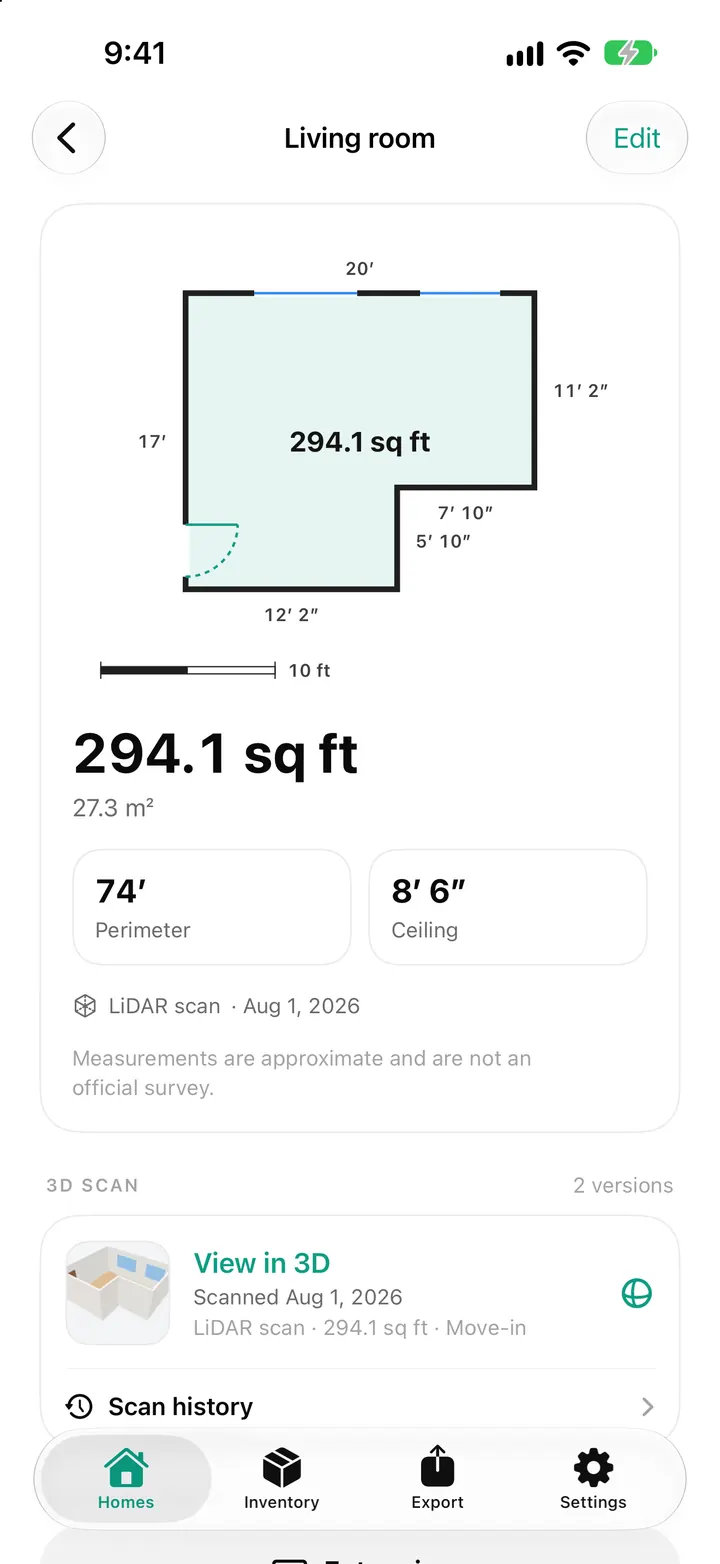
Scan a room with LiDAR on iPhone: floor plan, area and ceiling in RoomLedger
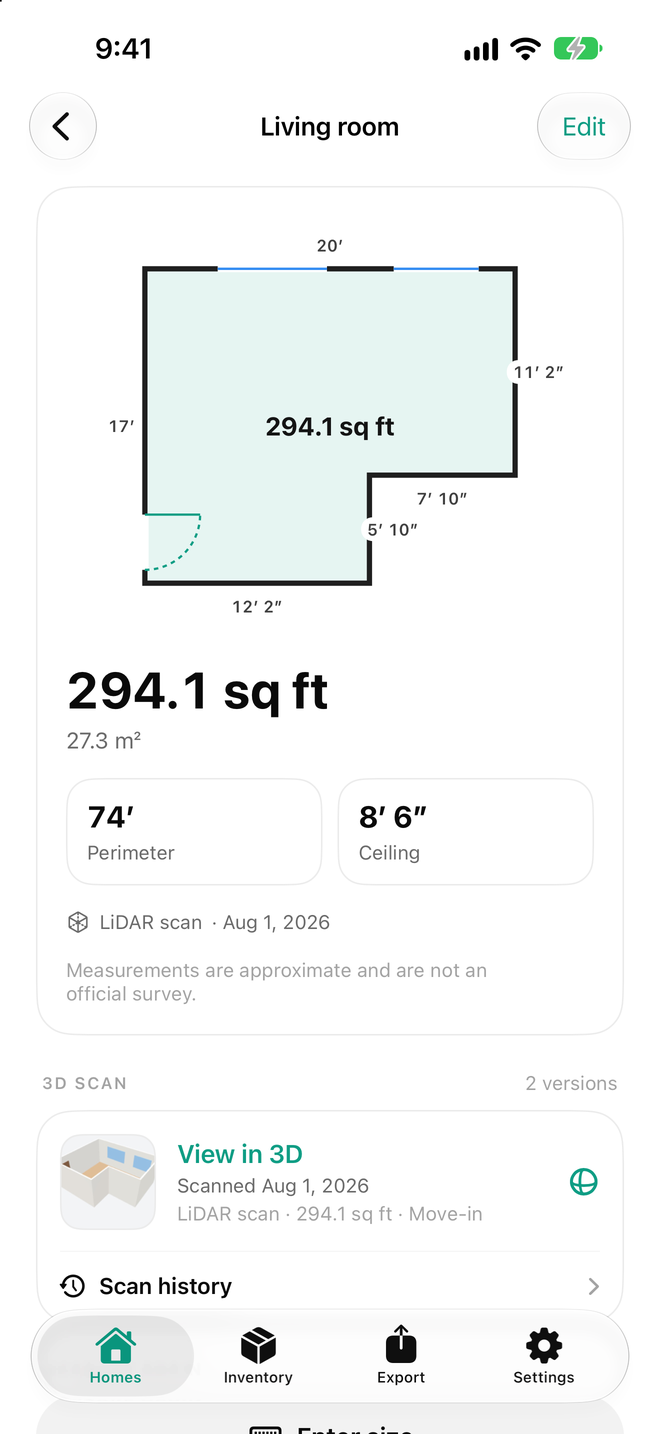
Scan a room with your iPhone's LiDAR Scanner in RoomLedger: check the scan, turn off mistakes, then keep a floor plan with area, perimeter and ceiling height.
Read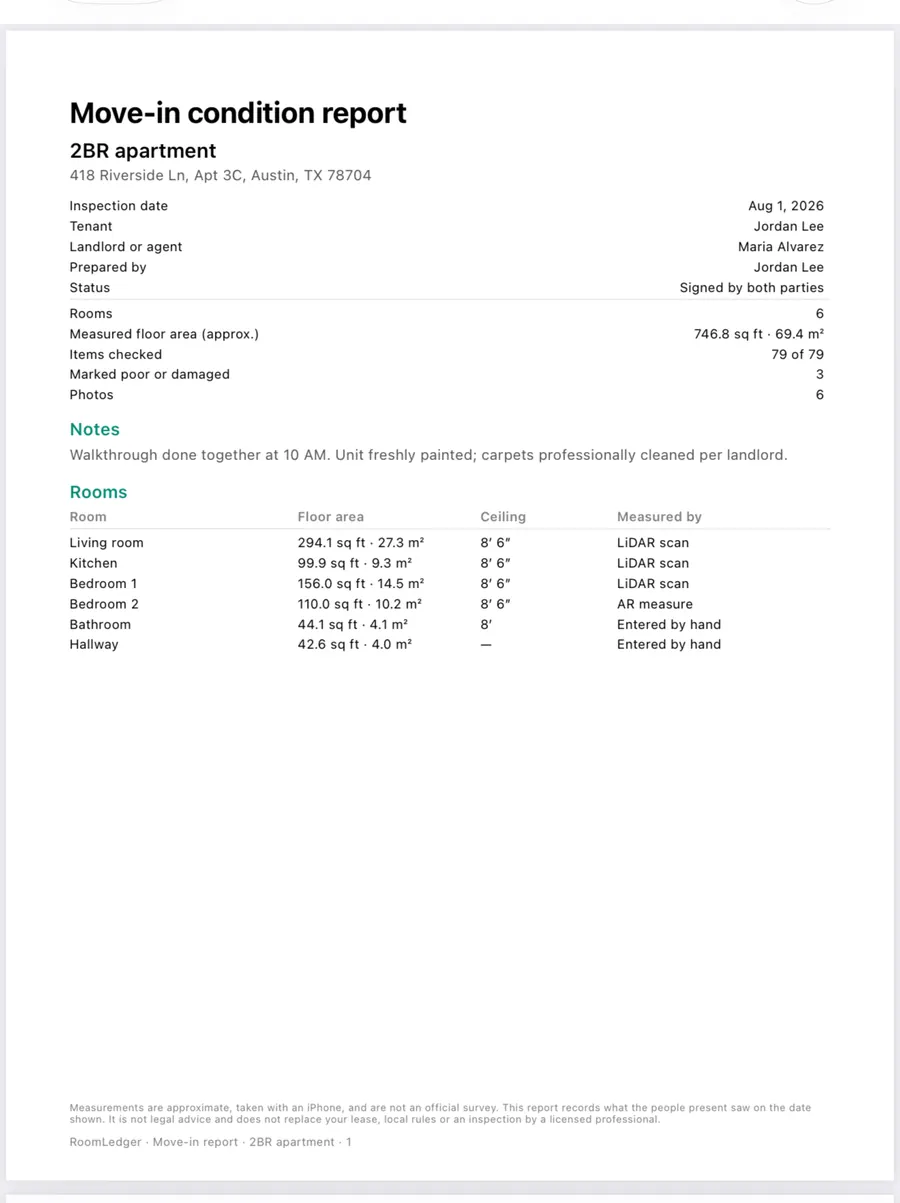
Measure a room without LiDAR: AR measure and typed sizes in RoomLedger
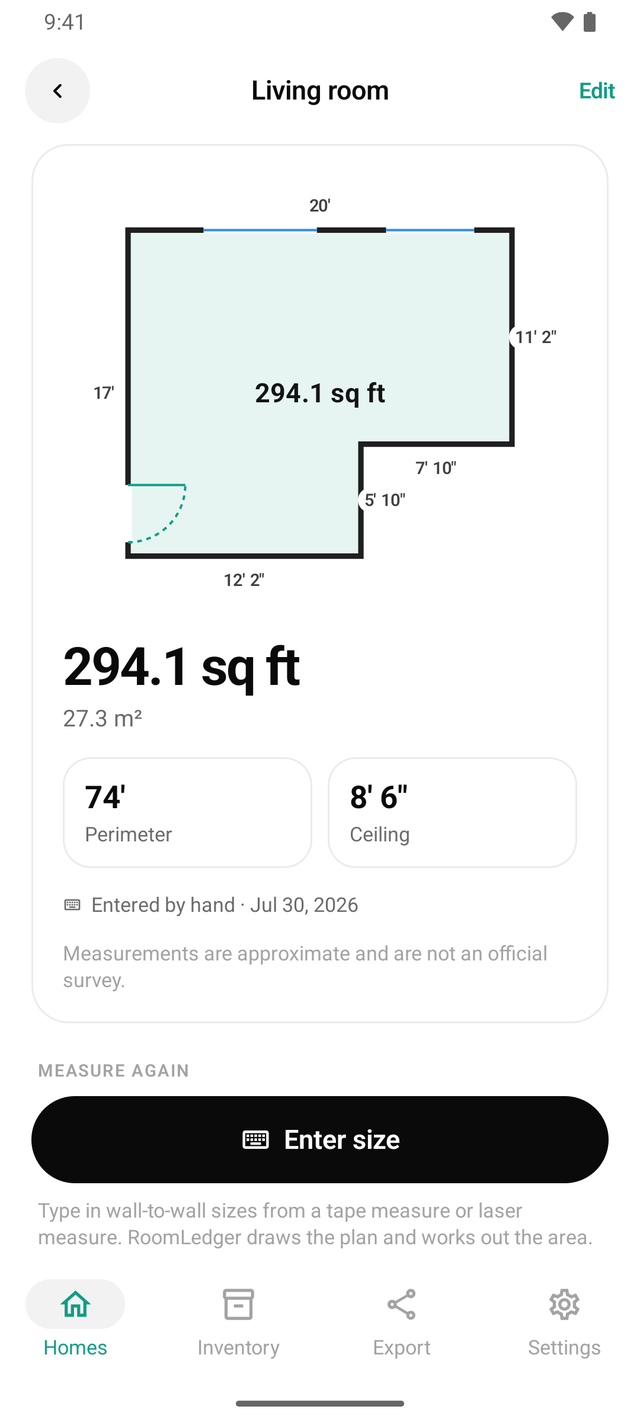
No LiDAR? Measure rooms in RoomLedger with AR, tapping walls or corners, or type a rectangle or L-shape from a tape measure, then show feet, meters or both.
Read