Sign a condition report on iPhone, then fix it with an amendment instead of an edit
Tenant and landlord sign the RoomLedger report on screen, which locks it. Later changes go into an amendment both sign again, and earlier versions stay on file.
Short answer
At the end of a RoomLedger walkthrough, the tenant and the landlord or agent each type their full name and sign on screen under Sign here. When both have signed, the report is locked. To change anything afterwards you tap Create amendment: the signed version stays exactly as it was, and both of you sign the amendment. If one person isn't there, Sign on another iPhone sends the walkthrough over AirDrop or Files.
A signature is what turns a checklist into something both sides agreed on. It also creates a problem: what if someone spots a mistake a week later? RoomLedger answers that the same way careful paper records do. You never overwrite a signed page; you add a dated, signed correction and keep the original.
Who signs
The People section of a walkthrough has two required parties: Tenant and Landlord or agent. Each has a name and email field, and Tenant from Contacts or Landlord or agent from Contacts fills them from your address book. Two optional parties, Witness and Agent, take a full name and appear on the report only when you add them.
Your role from onboarding fills one side for you. If you chose I'm renting, your name goes in as the tenant; landlords and managers go in as the landlord or agent. Names carry over from the home's previous walkthrough.
Sign a walkthrough together
- Finish the rooms and Meters and keys. RoomLedger asks before signing if a meter reading is missing.
- In the signatures card, tap Sign next to the first person.
- Type the Full name as it should appear on the report.
- Sign with a finger under Sign here. Tap Clear to start again.
- Read the statement under the pad, then tap Sign.
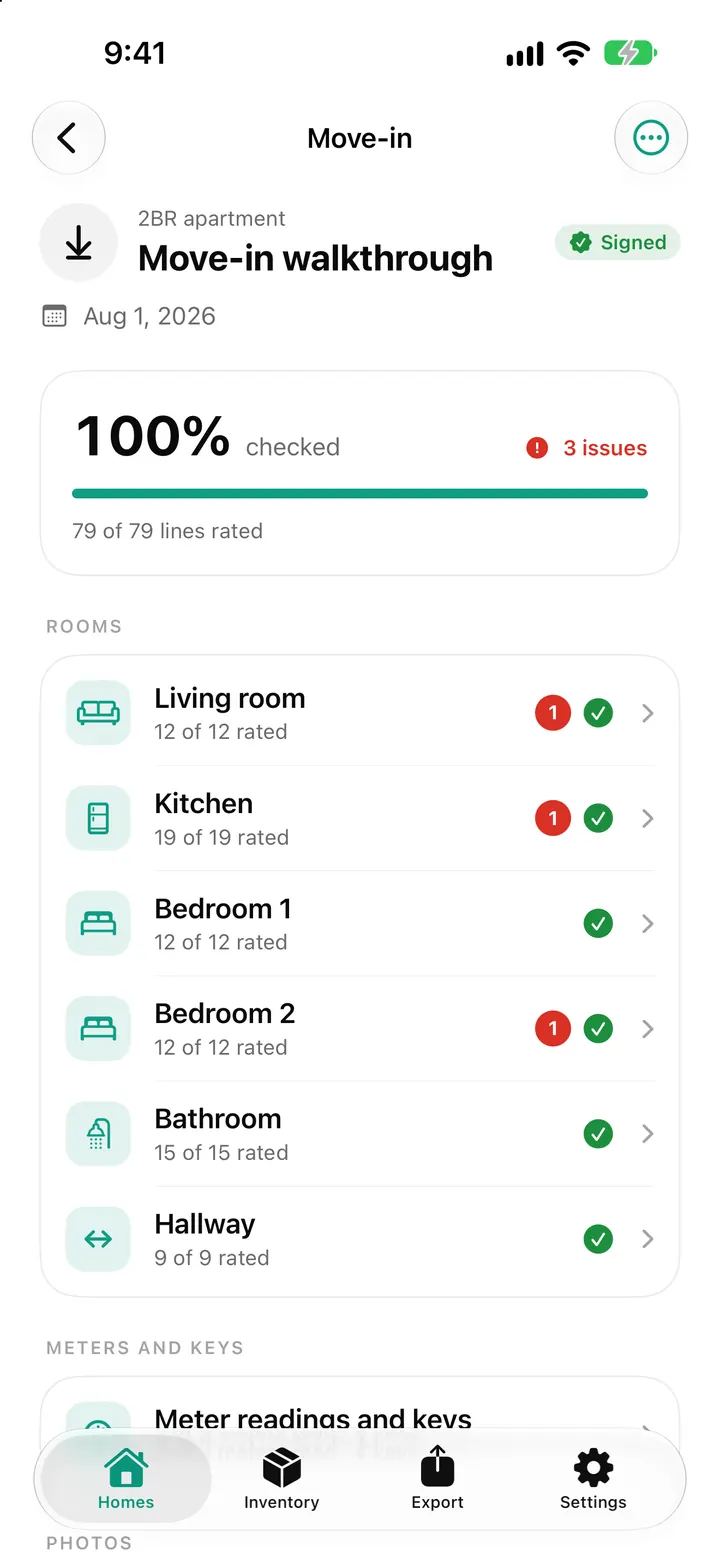
- Hand the iPhone to the other person and repeat. When both required parties have signed, the walkthrough shows Signed by both. The report is locked.
The statement each person signs under is plain: they confirm the report reflects the condition they saw on that date, it is a record between the people present, and it is not legal advice or a legal certification.
What a signature records
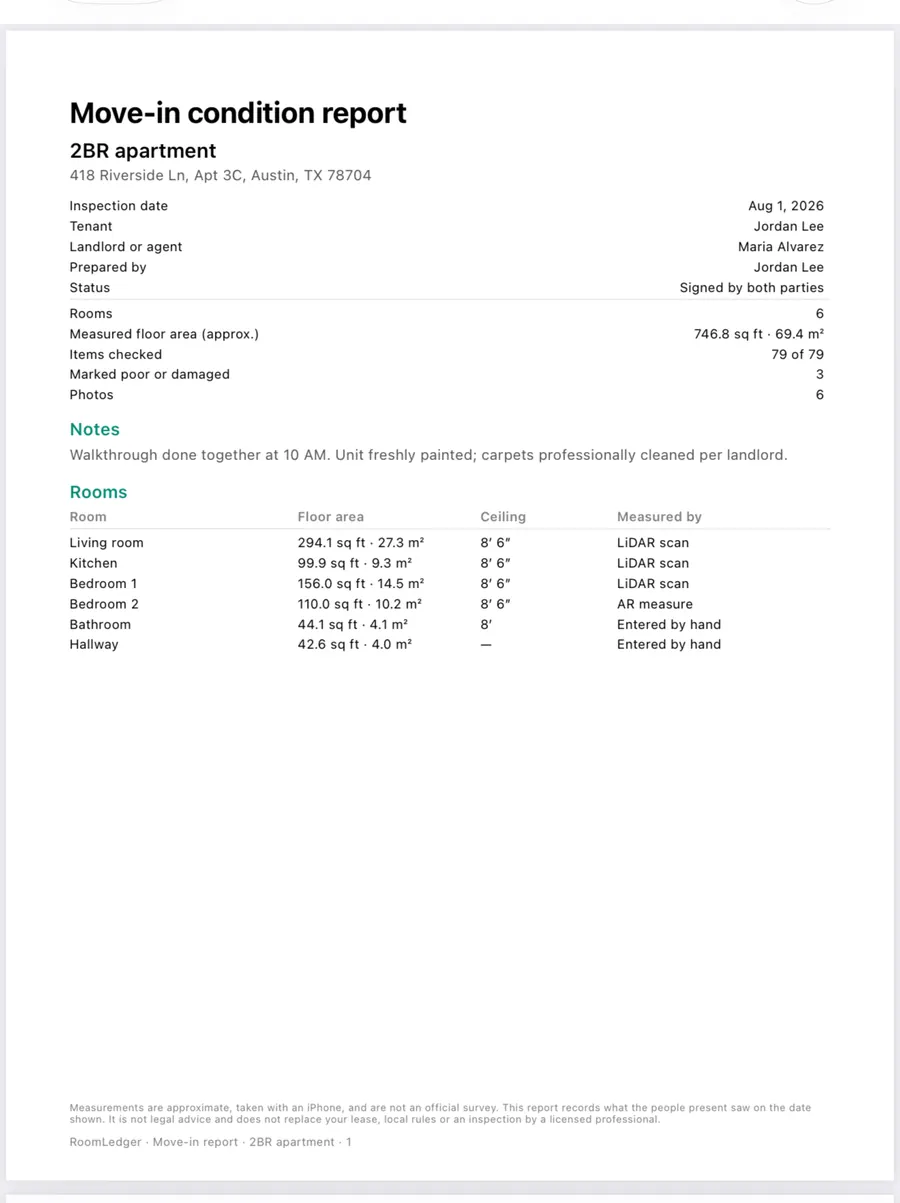
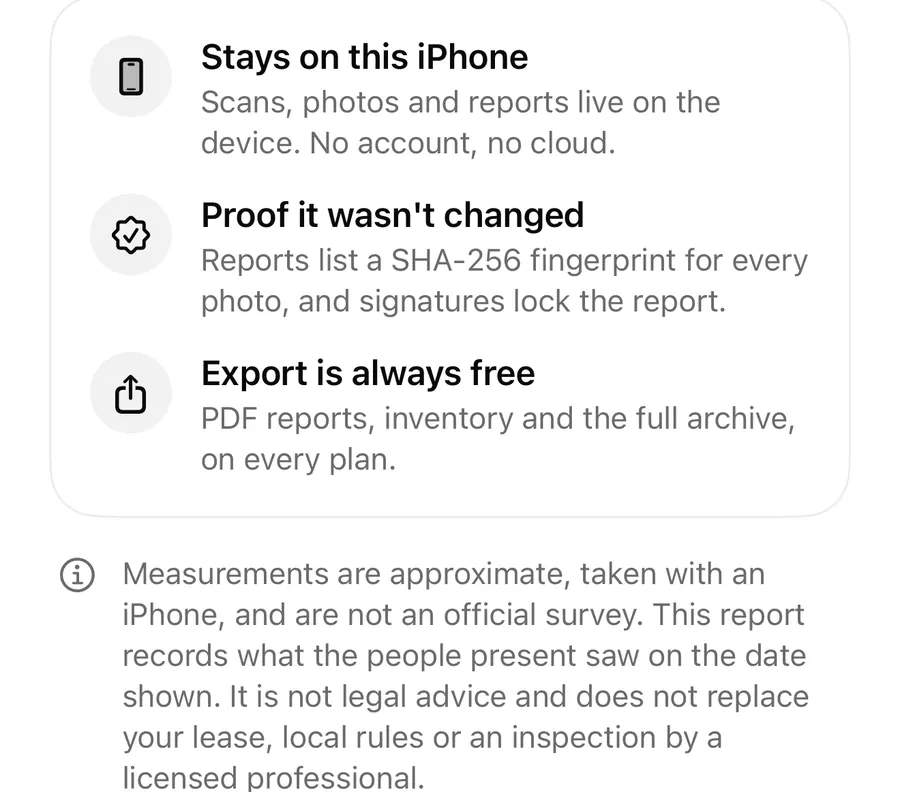
Each signature saves the name, the date and time, the drawn signature, and the report fingerprint at that moment. The report fingerprint is a SHA-256 of the report data: rooms, ratings, notes, meters, keys and photo fingerprints. In the PDF every signature line reads Signed (date) · report fingerprint (code), where the code is a short verification code taken from that fingerprint.
This matters if something changes between the two signatures. If the walkthrough is edited after the first person signs, RoomLedger notices: The report changed after the first signature. Ask them to sign again. Both signatures always point at the same data.
Signed and locked
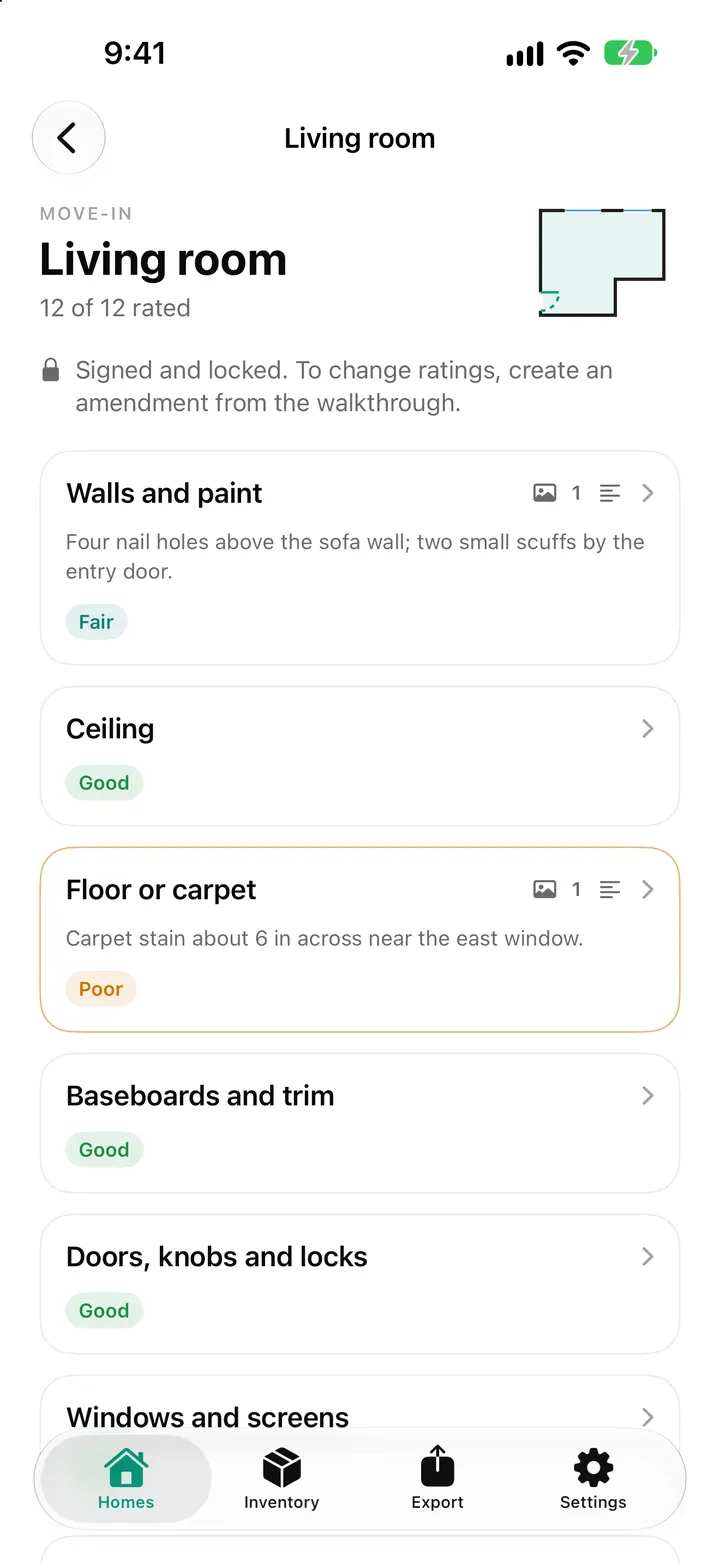
Once locked, ratings, notes and photos can't be changed in that walkthrough. Every room shows the same note: Signed and locked. To change ratings, create an amendment from the walkthrough. You can still view everything, export the PDF and use the walkthrough as the starting point for a move-out comparison.
Amendments: changing a signed report
Say you both signed on Friday, and on Monday the tenant notices a crack in the bathroom tile that you both missed. Here is how to add it:
- Open the walkthrough and tap Create amendment (in the signatures card or the walkthrough's menu).
- RoomLedger asks Create an amendment? and explains that the signed report stays exactly as it is, signatures included.
- The amendment starts as a copy you can change. Rate the tile line, add the photo and a note.
- Both parties sign the amendment, the same way as before.
The PDF of an amendment shows its status, for example Amendment 1, signed by both parties, and a line Changes the version signed as with the verification code of the original. An Amendment history section lists every version. Older versions stay on file and are marked Replaced by amendment 1. This version stays exactly as both parties signed it. Nothing is overwritten.
When a move-out is compared with an amended move-in, RoomLedger uses the latest signed version. See move-in vs move-out.
Signing on another iPhone
If the landlord is in another city, use Sign on another iPhone. It sends the home as a .roomledger file over AirDrop or Files. The other person opens it in RoomLedger on their iPhone, which checks that the data hash matches the one it was sent with and shows the code, so you can compare it by phone or message. They sign and send it back with the same button; opening the file on your iPhone adds their signature.
If anything differs, they see This copy doesn't match what was sent, with the advice not to sign and to ask for the file again. If you changed the walkthrough after sending it, the signatures won't match either, and RoomLedger asks you to send it again from the latest version.
FAQ
Can I sign with just one person?
You can sign your part, but the report locks only when both the tenant and the landlord or agent have signed. The other person can sign on their own iPhone.
Does a witness have to sign?
No. Witness and Agent are optional. Add a name and they appear on the report with their own signature line.
Can I undo a signature?
Not on a locked report. Create an amendment, make the change and sign it again. The earlier version stays on file with its signatures.
Is a RoomLedger signature legally binding?
RoomLedger doesn't say so. It records that the people present agreed on what they saw. Check your lease and local rules, or ask a professional, about what a signature means where you live.
Download RoomLedger and sign your next walkthrough on the spot.
Keep reading
Do a move-in inspection with your iPhone: how RoomLedger records it
Walk each room with RoomLedger: rate every line, take photos, read the meters and sign a dated move-in condition report on your iPhone, with no account needed.
Read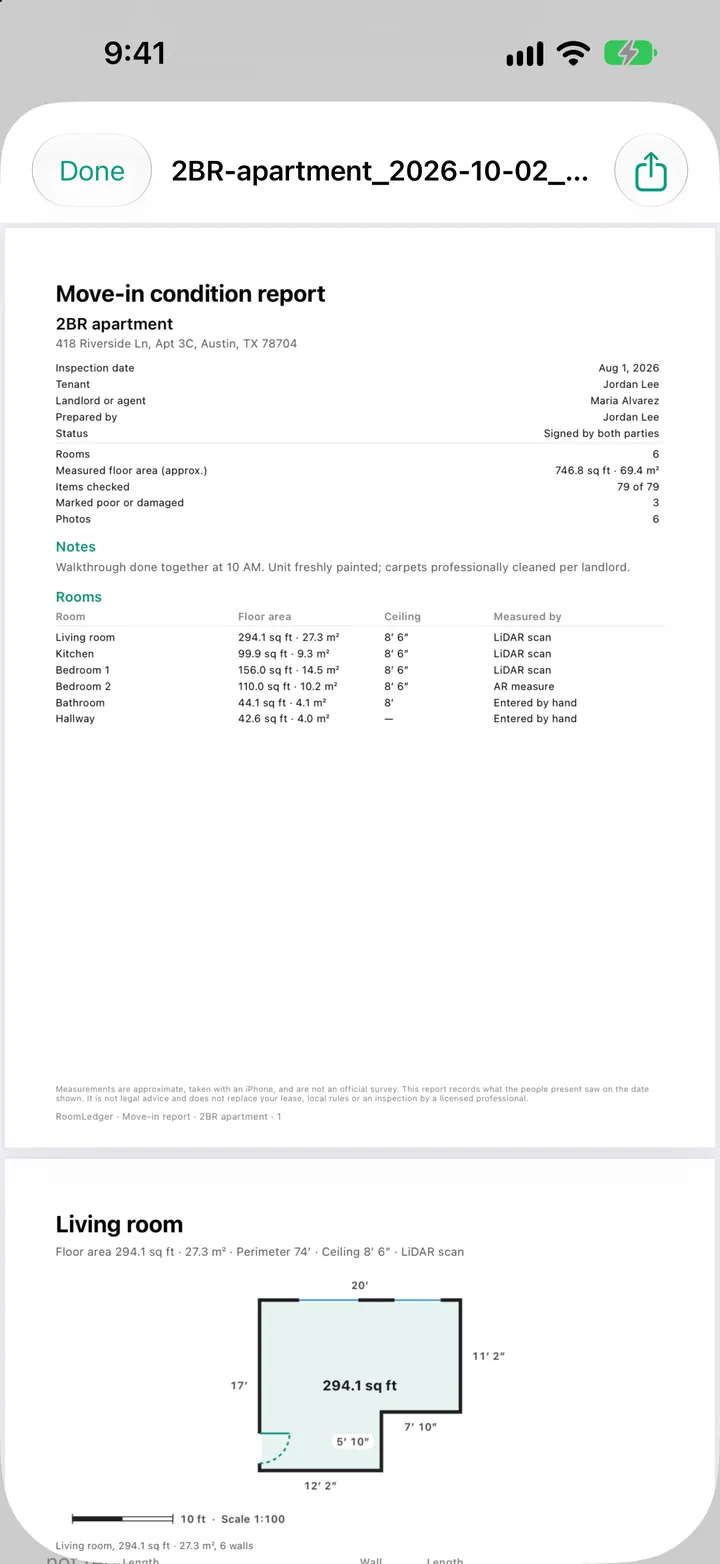
Inside the RoomLedger condition report PDF: rooms, photos and SHA-256 fingerprints
What a RoomLedger condition report PDF holds, from floor plans and numbered photos to SHA-256 photo fingerprints, a verification code, password and face blur.
Read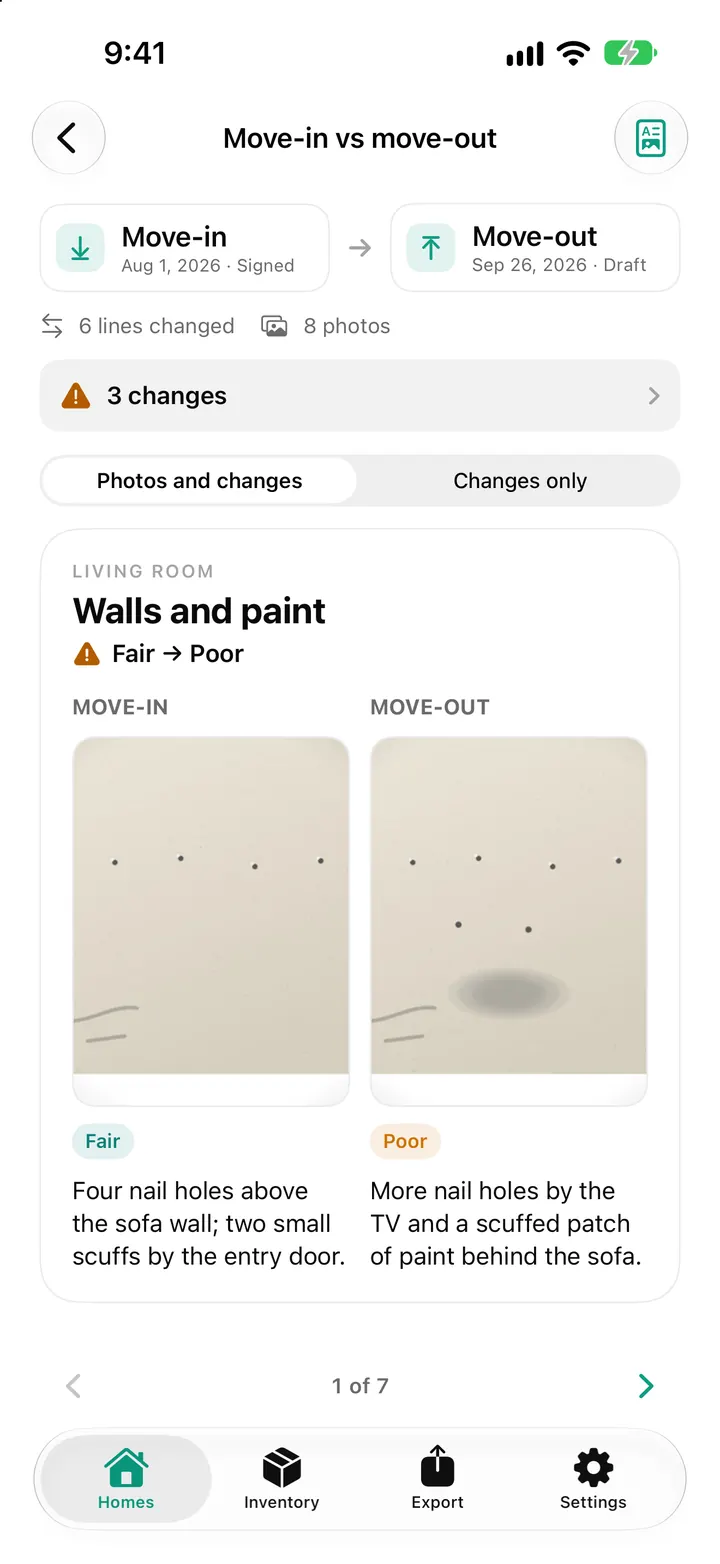
Compare move-in and move-out side by side, line by line, with photos from both days
RoomLedger pairs each move-out line with the signed move-in, shows both photos with their dates, flags what got worse and exports it all as a Comparison PDF.
ReadWhat Does a Signature on a Handover Record Mean?
Understand signatures, photos, dates and content in a handover record, plus the legal limits of a RoomLedger report.
Read guide