RoomLedger Free vs Pro: what's free, what Pro adds and how plans work
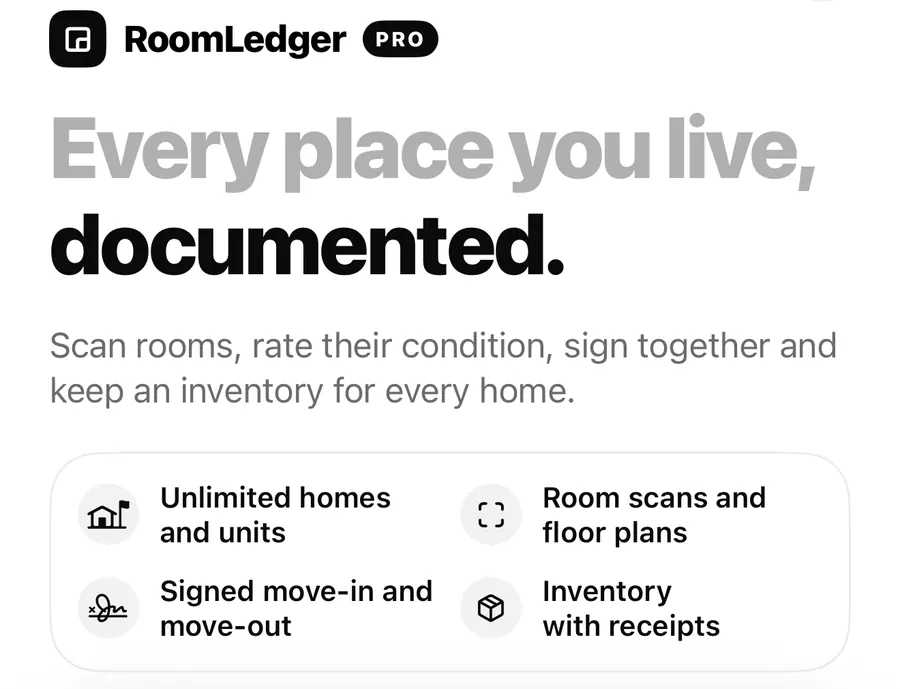
RoomLedger is free for one home with walkthroughs, scans, signatures, inventory and all exports. Pro adds unlimited homes, Survey pack, branding and charges.
Short answer
The free plan covers one home with every feature except four: unlimited homes, the Survey screen and its exports, Report branding, and adding or editing deposit charges. Those four make up RoomLedger Pro. All six formats on the Export tab are free on every plan. Pro comes as a yearly plan with a 7-day free trial, a monthly plan or a one-time lifetime purchase, and if it ends, nothing is deleted.
Most people need RoomLedger for one place: the apartment they're moving into, or the house they own. RoomLedger keeps that case free, with nothing held back from the report itself. Pro is for people with more than one home, landlords who want their company on reports, and anyone who needs the installer survey or itemized deposit charges.
What's free
The app's own wording: The free plan covers one home with every feature. Exports are free on every plan. In practice, for that one home you get:
- Measuring by LiDAR room scan, AR measure or typed sizes, with floor plans and 3D scan versions
- Move-in, Move-out, Periodic and Inventory walkthroughs with checklists, ratings, photos, markup and voice notes
- Meters and keys, signatures on screen or on another iPhone, and amendments after signing
- The move-in vs move-out comparison and its Comparison PDF
- The inventory, with label and receipt reading
- The deposit card with your deadline, reminders and Add to Calendar
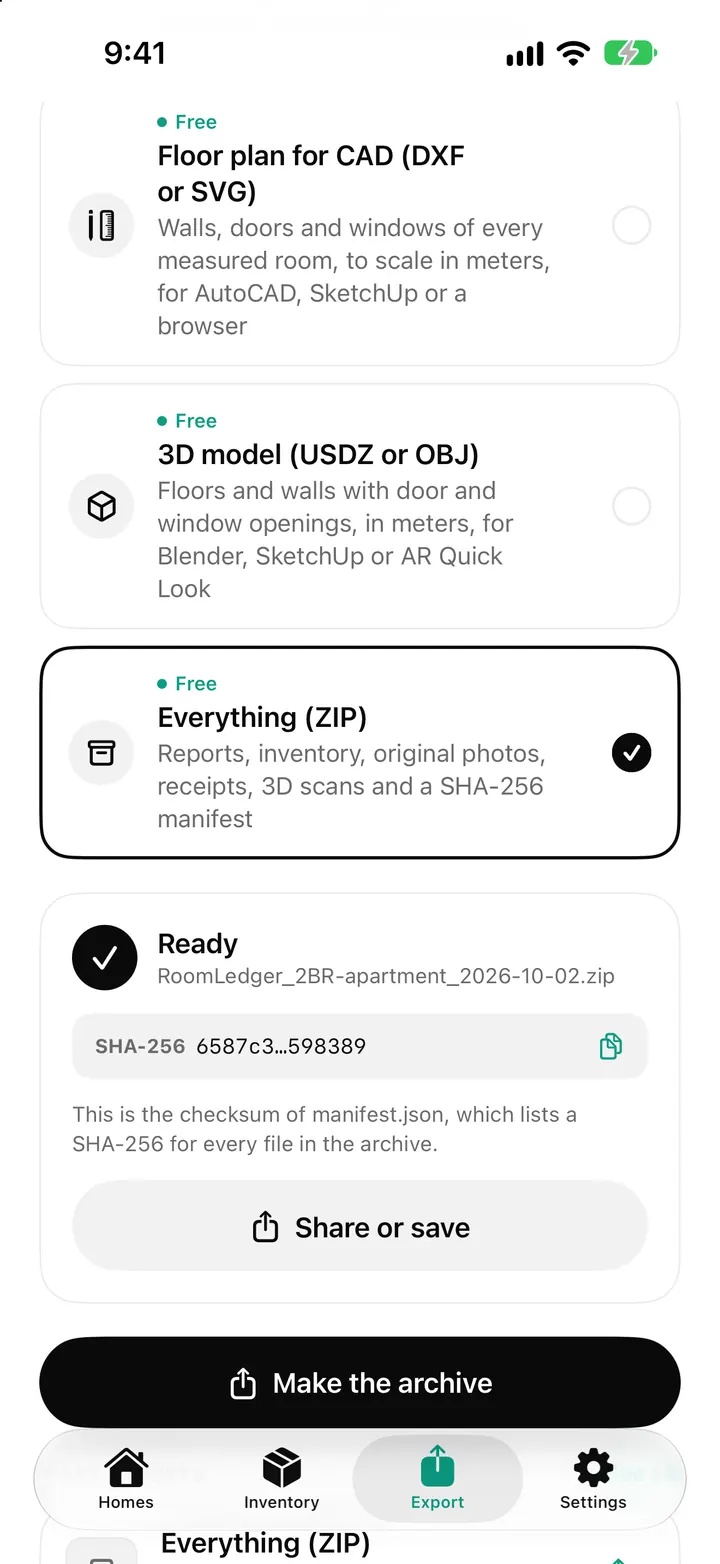
- Every Export-tab format: Condition report (PDF), Inventory (PDF), Inventory spreadsheet (CSV), Floor plan for CAD (DXF or SVG), 3D model (USDZ or OBJ) and Everything (ZIP)
The built-in sample home doesn't count toward the free home, and you can remove it any time.
What Pro adds
| Feature | Free | Pro |
|---|---|---|
| Homes | One | Unlimited homes and units |
| Walkthroughs, signatures, comparison, inventory | Yes | Yes |
| Six Export-tab formats | Yes | Yes |
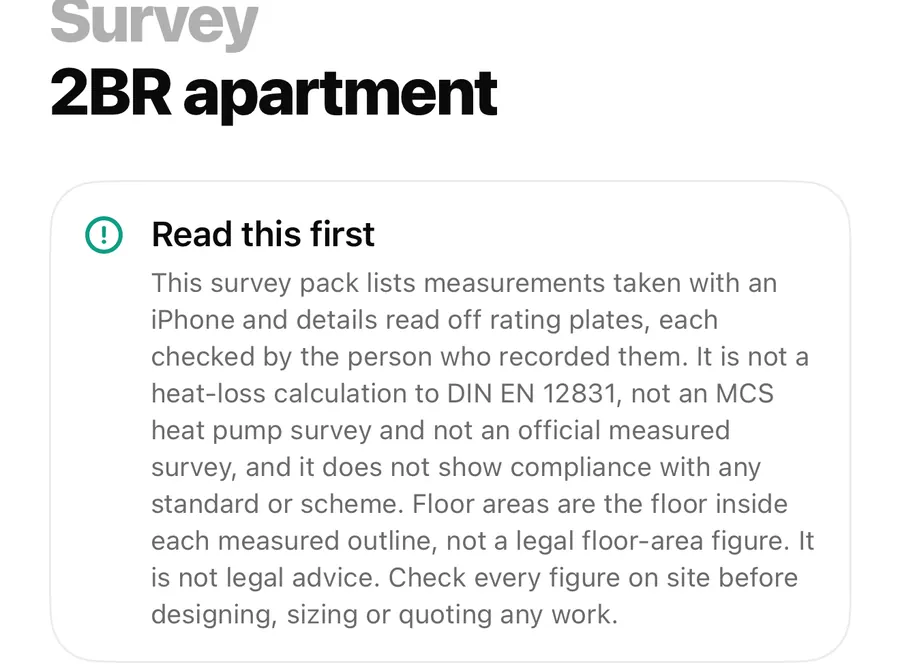
| Survey screen: Survey pack (PDF), Survey spreadsheet (CSV), Building model (IFC) | No | Yes |
| Report branding: logo, company and contact on every page | No | Yes |
| Adding and editing Charges against the deposit, with the Statement PDF | No | Yes |
The Survey screen, IFC export, branding and deposit charges are Pro on every home, including your first. The survey pack post and deposit post explain each in detail, and the landlords post covers branding and several homes.
Plans
RoomLedger Pro comes in three forms. Prices are shown in the app in your App Store currency; this post doesn't list them because they can change.
- Yearly, with a 7-day free trial.
- Monthly, with an introductory offer for the first three months.
- Lifetime, a single payment.
Subscriptions renew through your Apple ID until you cancel. Manage subscription in Settings opens Apple's subscription screen. Restore purchases brings Pro back on a new iPhone or after reinstalling, and Redeem an offer code opens Apple's sheet for App Store offer codes.
Try Pro, then decide
- In Settings, tap Upgrade on the plan card, or tap a Pro feature such as Survey.
- Choose the yearly plan to start the 7-day free trial, or another plan.
- Add a second home, open the Survey screen, or set up Report branding to see whether you use them.
- If you don't need Pro, cancel the subscription in Manage subscription before the trial ends.
- On a new device, tap Restore purchases instead of buying again.
If Pro ends
Nothing is deleted. Your oldest home stays fully editable on the free plan. Any other homes show View and export only: The free plan edits one home. Everything here stays readable and exportable; Pro makes it editable again. Charges you already entered stay readable and exportable, too.
That means you can always get your records out. An Everything (ZIP) export of a read-only home still includes its reports, inventory, original photos, receipts, 3D scans and the SHA-256 manifest.
Which plan fits
| You are | Usually enough |
|---|---|
| A renter documenting one apartment | Free |
| A homeowner keeping an inventory for insurance | Free |
| A homeowner getting quotes for windows or heating | Pro, for the Survey pack |
| A landlord with two or more units | Pro, for more homes |
| A property manager sending branded reports | Pro |
FAQ
Is RoomLedger really free for one home?
Yes. One home gets walkthroughs, scans, signatures, the comparison, inventory and all six Export-tab formats. Only the Survey screen, branding, deposit charges and extra homes need Pro.
Do exports ever need Pro?
The six formats on the Export tab never do. The Survey PDF, Survey CSV and IFC model are made from the Survey screen, which is part of Pro.
What happens to my homes if I cancel?
Nothing is deleted. One home stays editable, the others become View and export only, and turning Pro back on makes them editable again.
Does the sample home use up my free home?
No. The sample home doesn't count toward your plan, and you can remove it any time.
Download RoomLedger and document your first home for free. Questions about a purchase? See support.
Keep reading
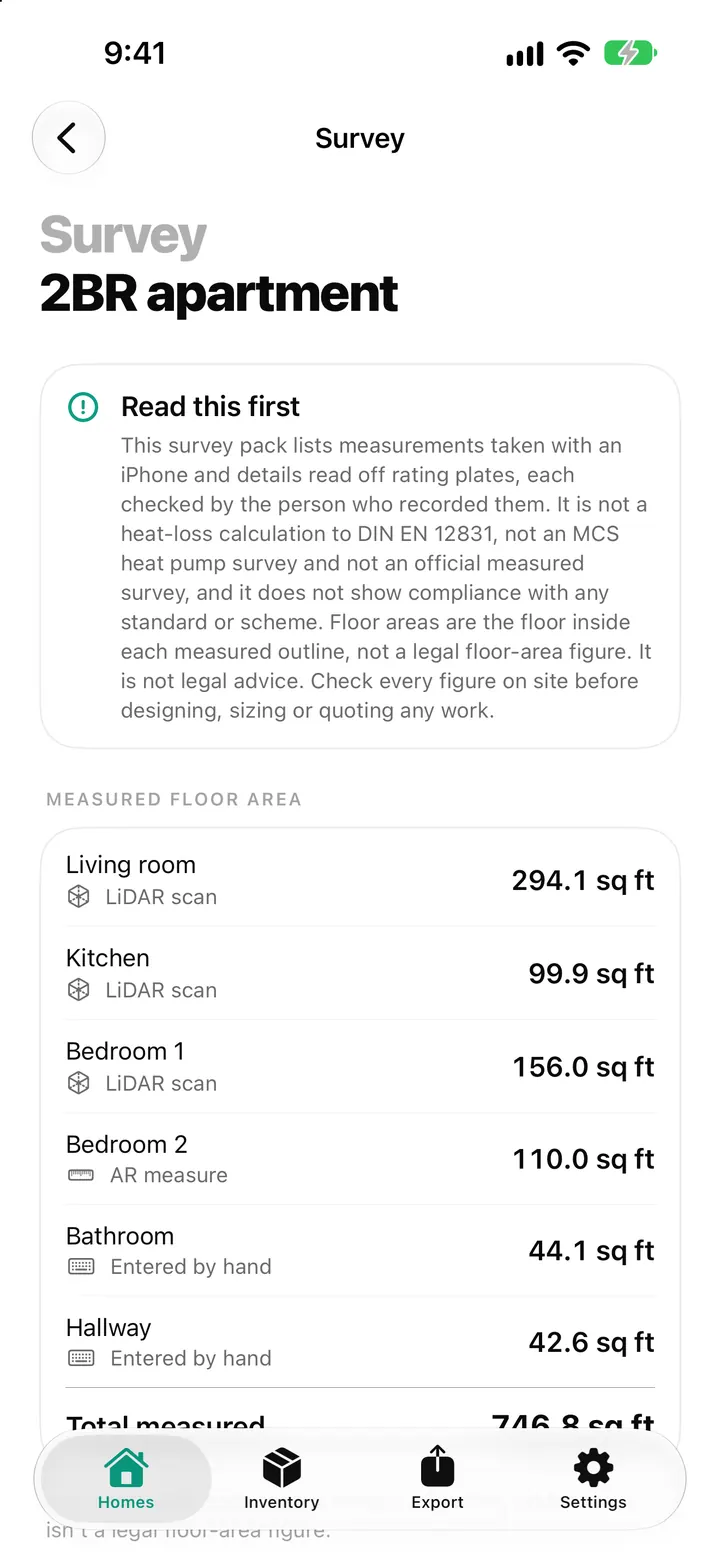
Survey pack: floor areas, windows and heaters for installers in RoomLedger
RoomLedger Pro's Survey screen gathers floor areas, windows and doors, glazing, frames and heater outputs into a PDF, a CSV and an IFC model for installers.
Read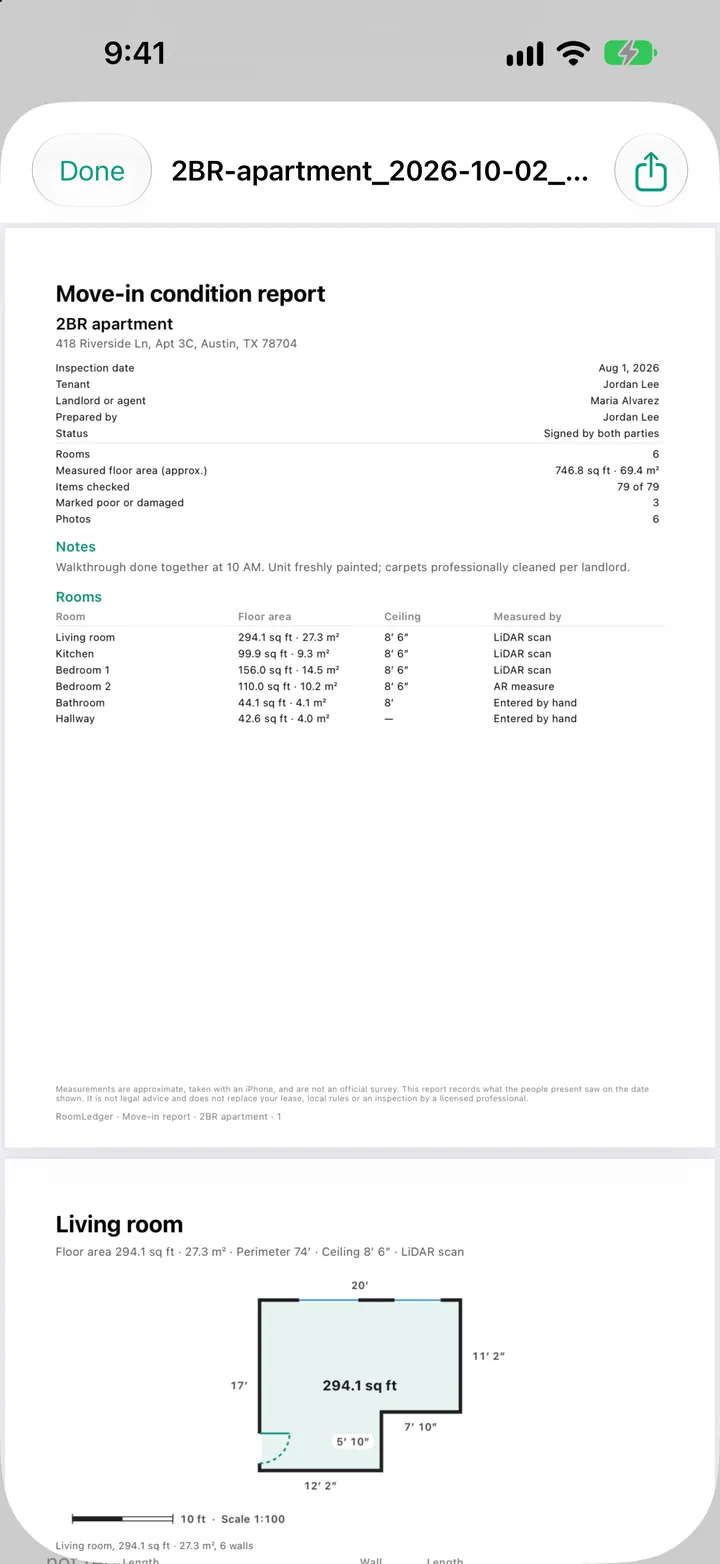
RoomLedger for landlords and property managers: several homes, one iPhone
How landlords and managers use RoomLedger: a home per unit, move-in, periodic and inventory walkthroughs, Prepared by, report branding and a Siri shortcut.
Read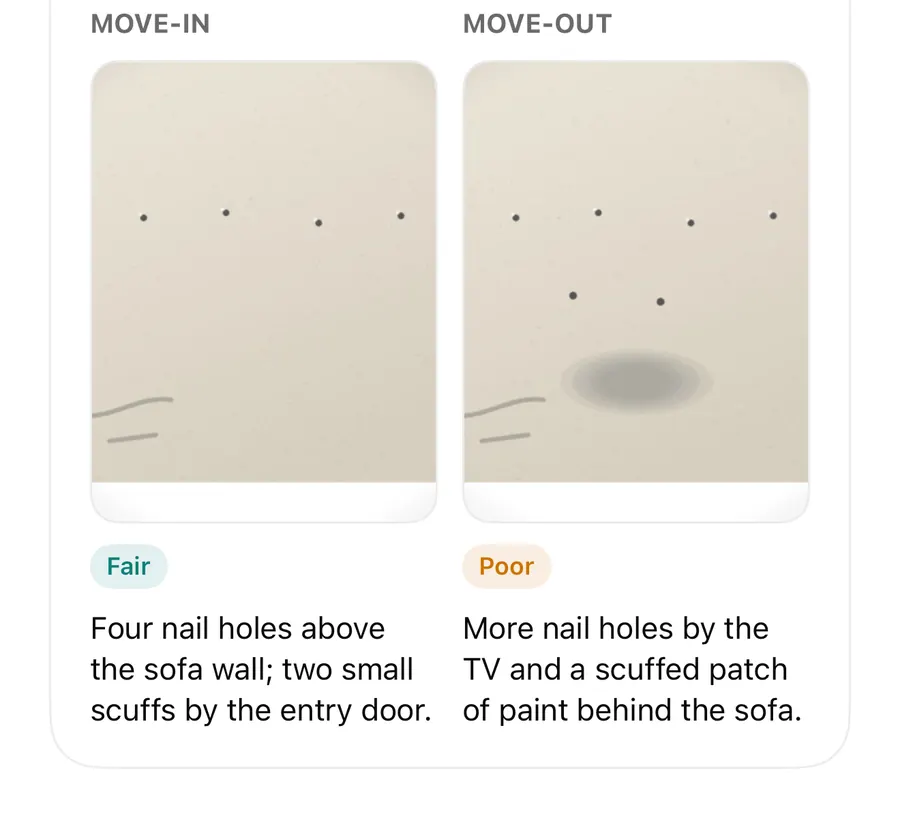
Track a security deposit in RoomLedger: your deadline, reminders and itemized charges
Record the deposit, count down to the deadline from your lease with iPhone reminders, then itemize charges against move-out changes and export a Statement PDF.
ReadRoomLedger Free vs Pro: Which Property Workflow Do You Need?
Compare RoomLedger Free and Pro by property count, inspections, inventory and export needs before choosing a plan.
Read guide